
Trust and assurance are at the core of our business. VNX Global complies with regulations and leading standards of investor process protection.
VNX deploys automated onboarding and compliance systems that allow us to verify the authenticity of documents, perform personal data screening, liveness check and other verifications allowing to reduce the risk of fraud or other criminal activity on the Platform.
We handle personal data strictly in accordance with the Privacy Notice.
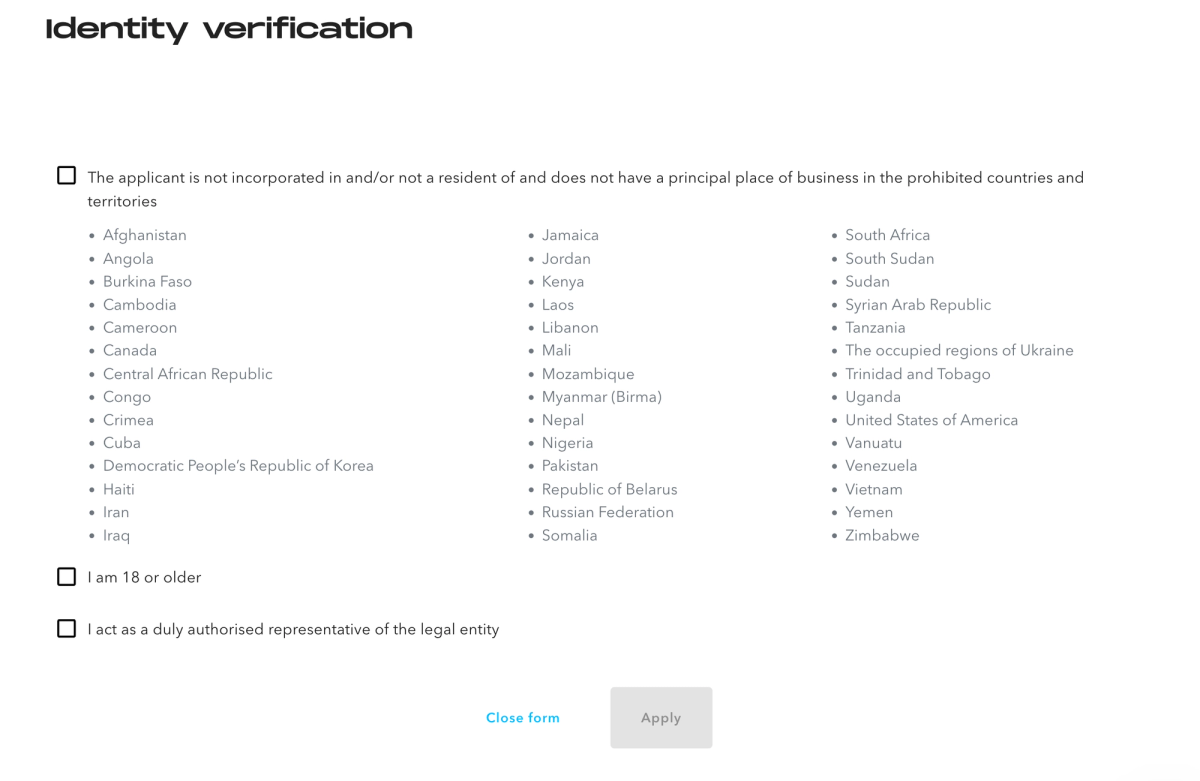
Due to regulatory restrictions, we are not able to onboard customers from certain countries.
We advise you to pass KYC checks using a computer or any other device with a camera and have your ID with you. You will be asked to present your ID in front of the camera and take a selfie as part of the verification process.
Step 1. Sign up
Sign up to VNX platform at https://my.vnx.io/sign-up
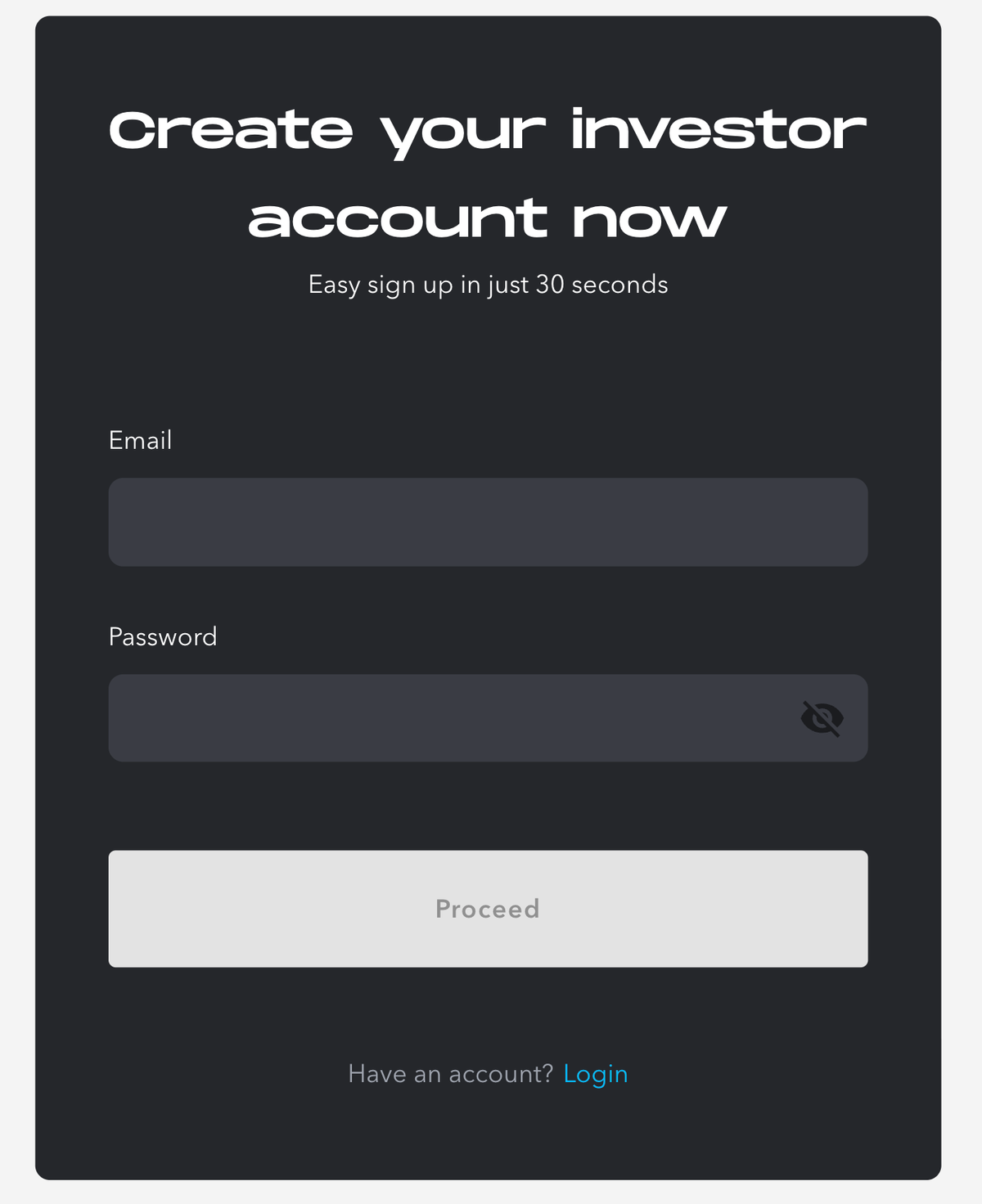
Enter your email and create a password. Upon pressing Proceed you will be requested to read and accept our Terms & Conditions and Privacy Policy.
The system will send you a verification email with a link to confirm your email address. Once done, you can login to the platform and complete your profile.
Step 2. KYC check
After signing in to the VNX platform you can go through KYC checks to start investing.
1. Identity verification
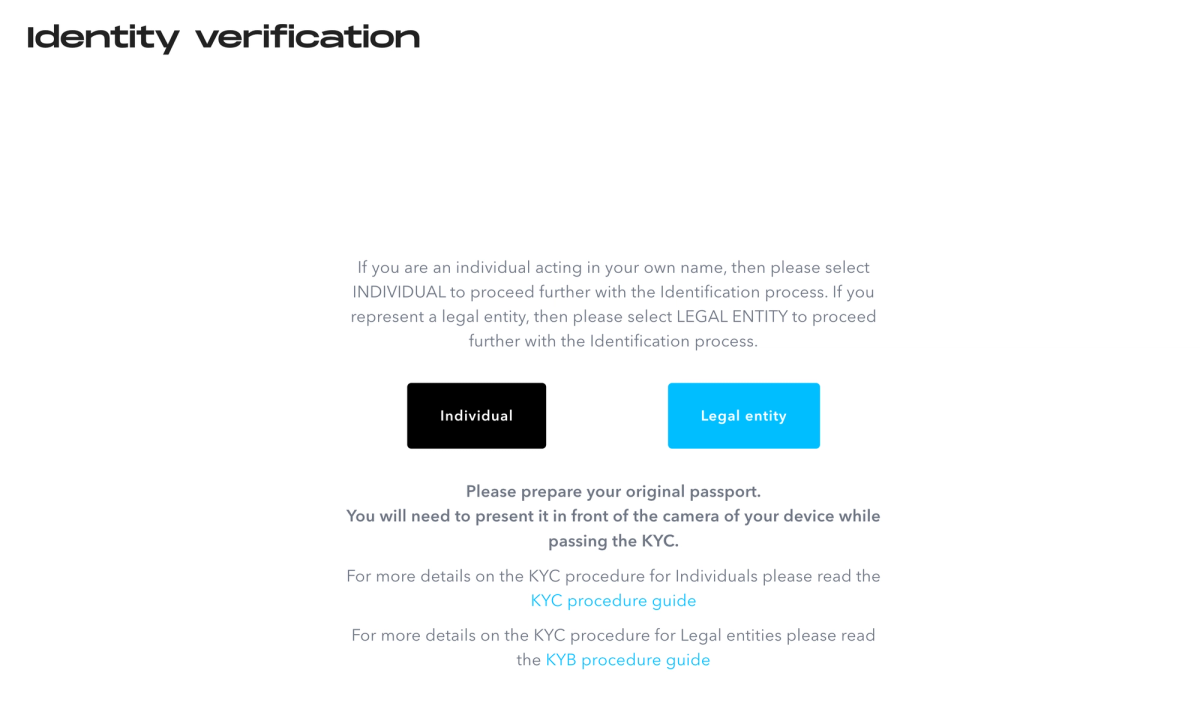
Individuals should select “Individual” at the KYC page to proceed with the identification process.
Confirm that you are not a resident of restricted countries, are at least 18 years old and do not act for third parties, i.e. you are the ultimate beneficiary.
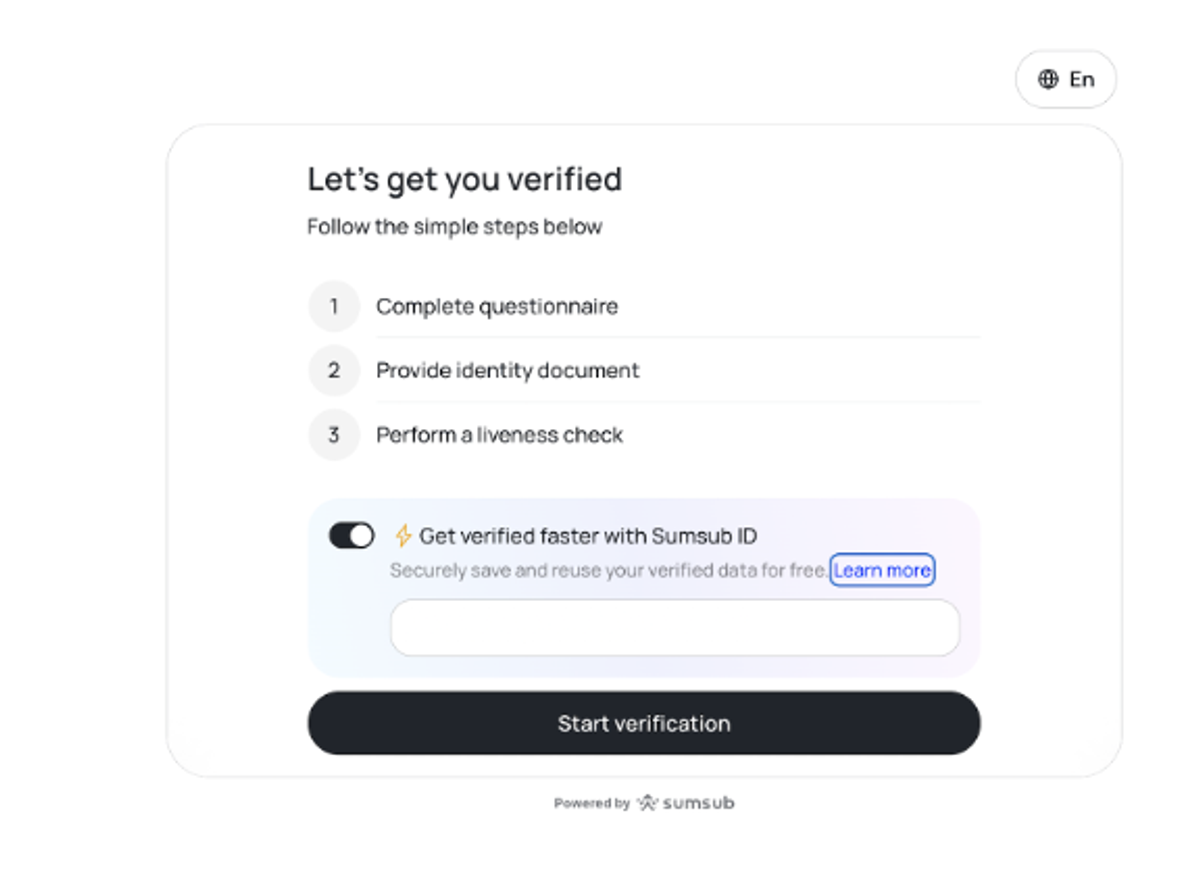
2. Speed up with Sumsub ID (Optional)
Toggle this on if you want to create a Sumsub ID or use an existing one to reuse your verified data. You will need to verify your email to proceed. If you prefer a standard verification, leave it toggled off and choose "Start verification".
4. KYC questionnaire
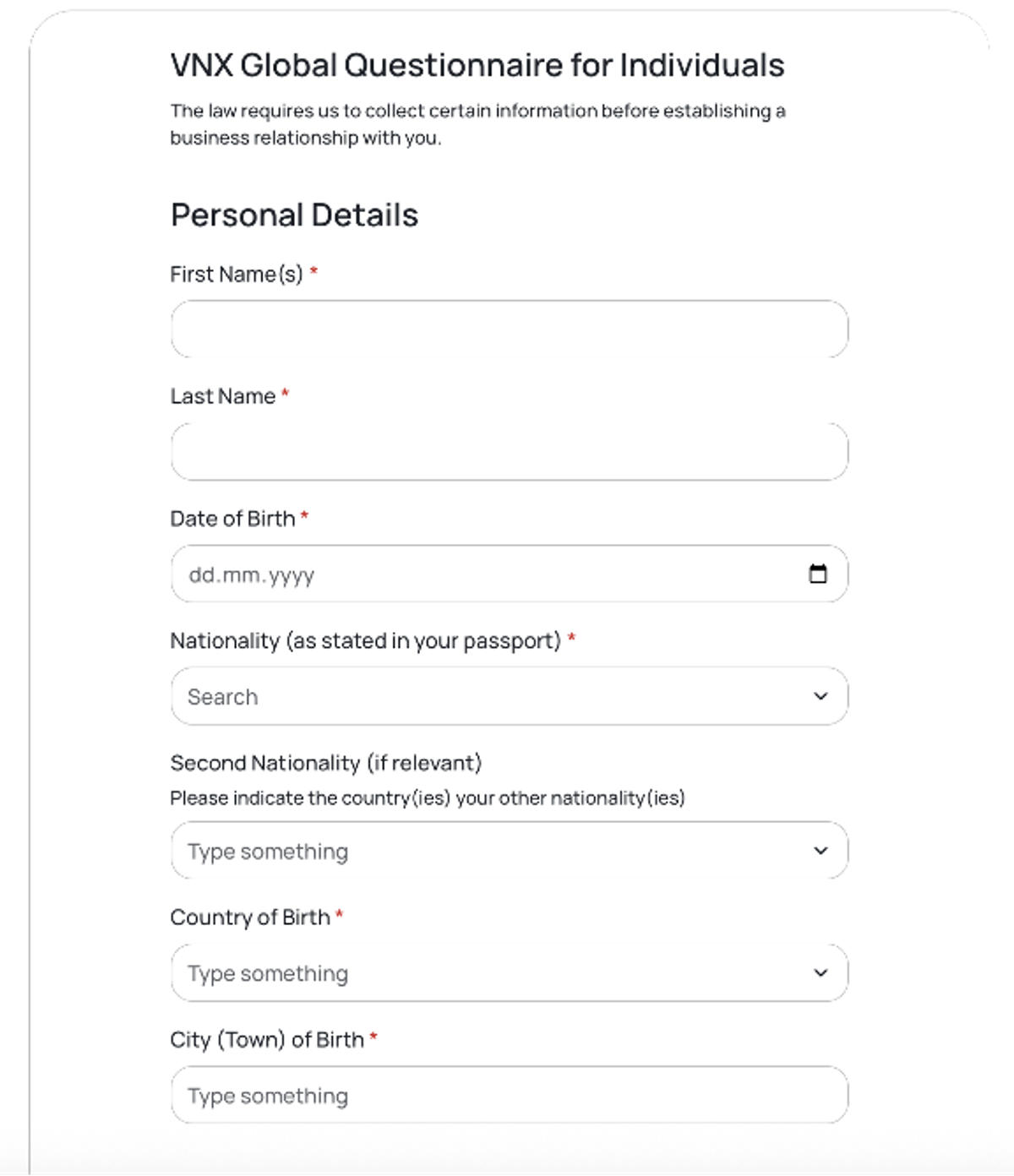
4.1. Personal Details
Name
Date of birth
Nationality
Country of birth
City of birth
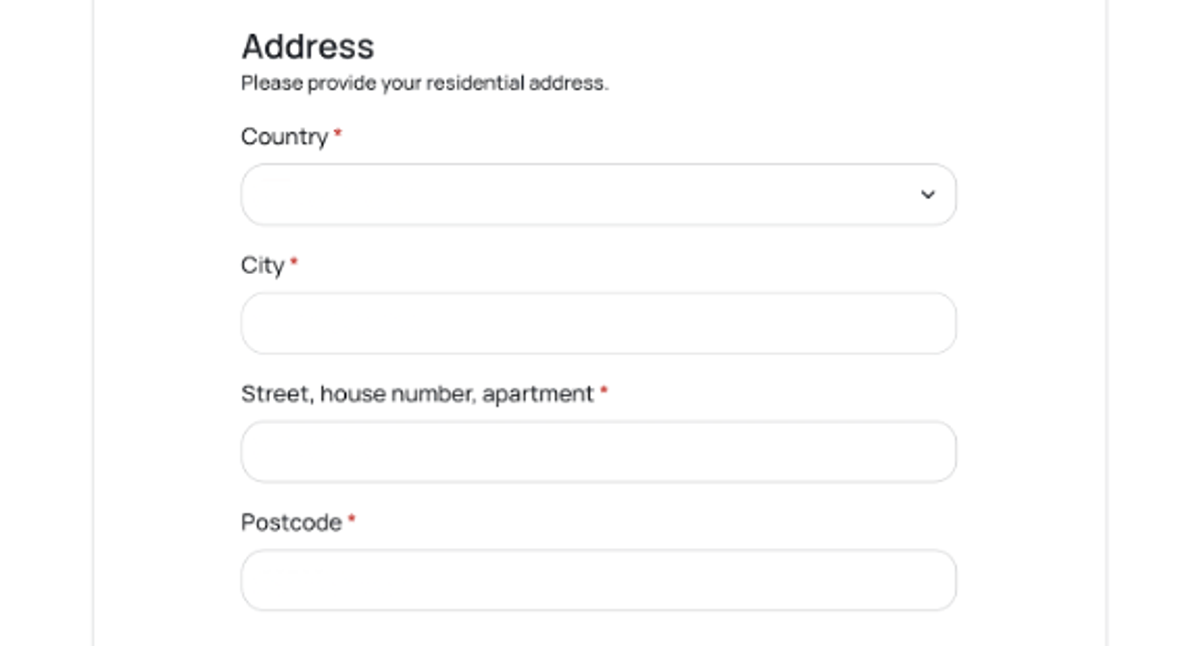
4.2. Residence information
Please provide your residence address. Providing proof of address and a residence permit is not obligatory, but the compliance team may request these documents if needed for due diligence purposes.
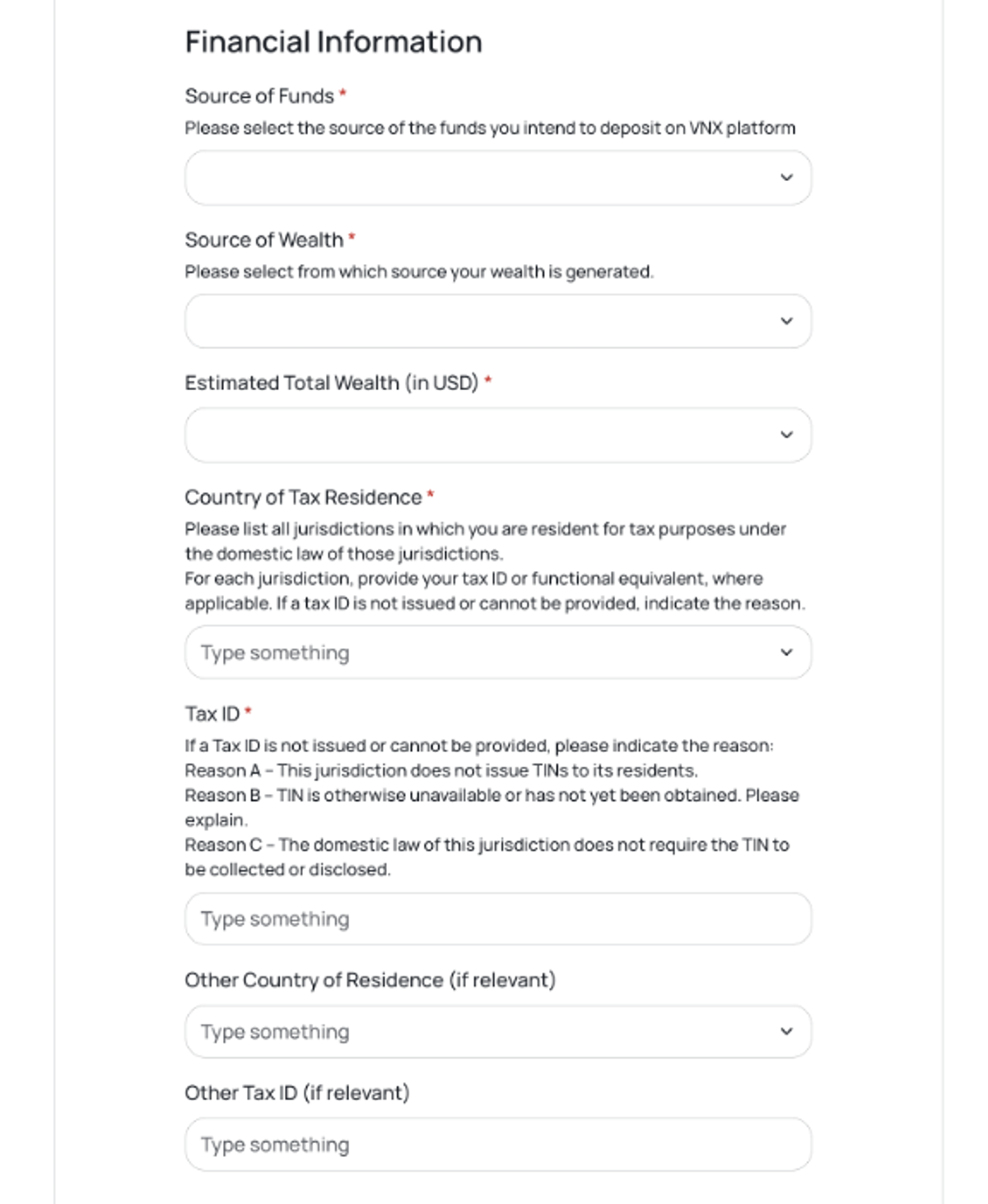
4.3. Financial information
Please specify your financial information including:
Planned investment per year
Source of funds
Estimated total wealth
Source of Wealth
Tax ID
You may also provide supporting documents. This is not obligatory (unless the intended investment exceeds EUR 100,000), but the compliance team may request these documents if needed for due diligence purposes.
4.4. Occupation

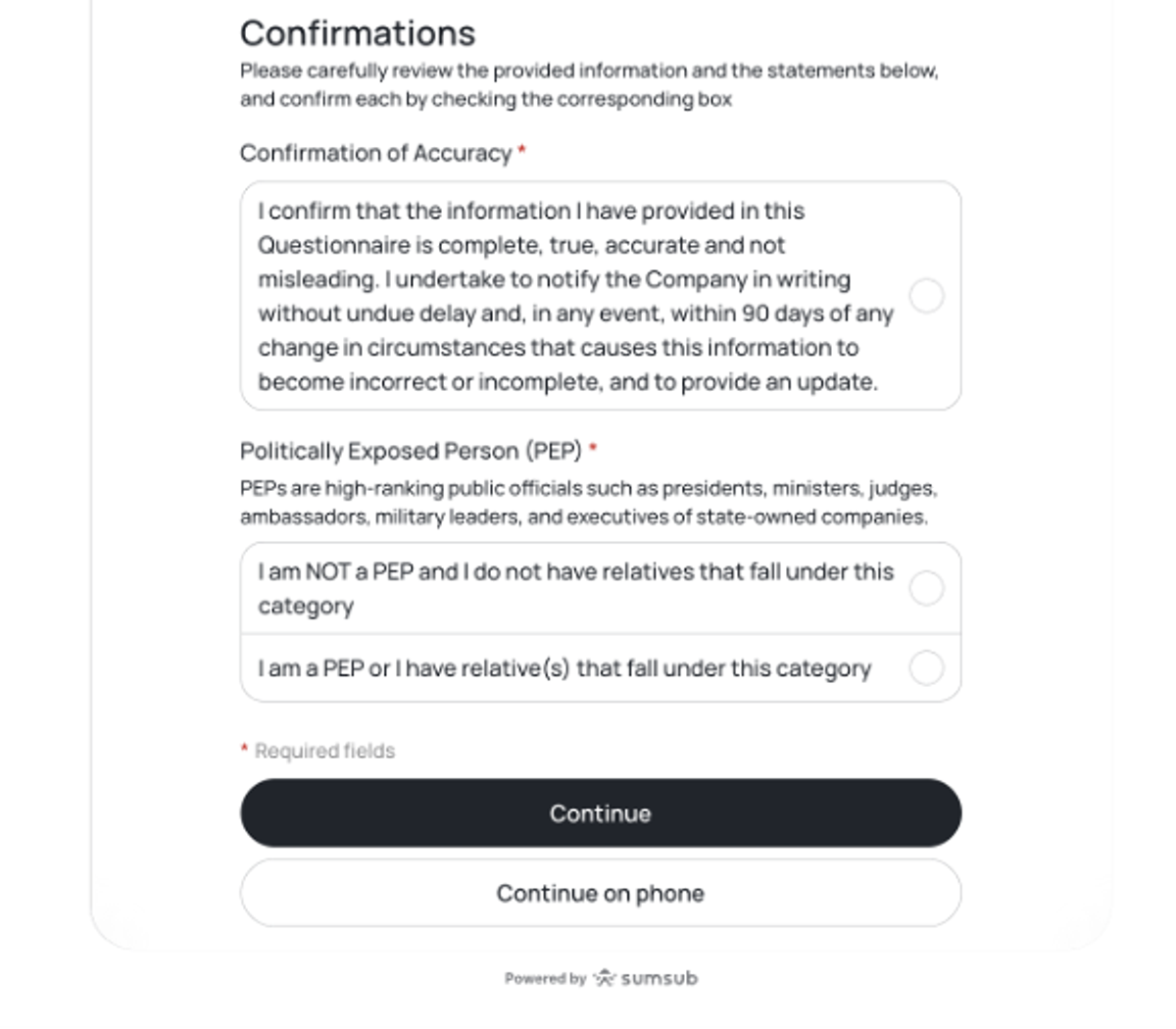
4.5. Politically Exposed Person confirmation
Please check the confirmation box, select your PEP status, and click Continue to move to the next step.
5. Identity document verification
Choose either a passport or an ID card to present. Use your device’s camera to take a photo of your identity document.
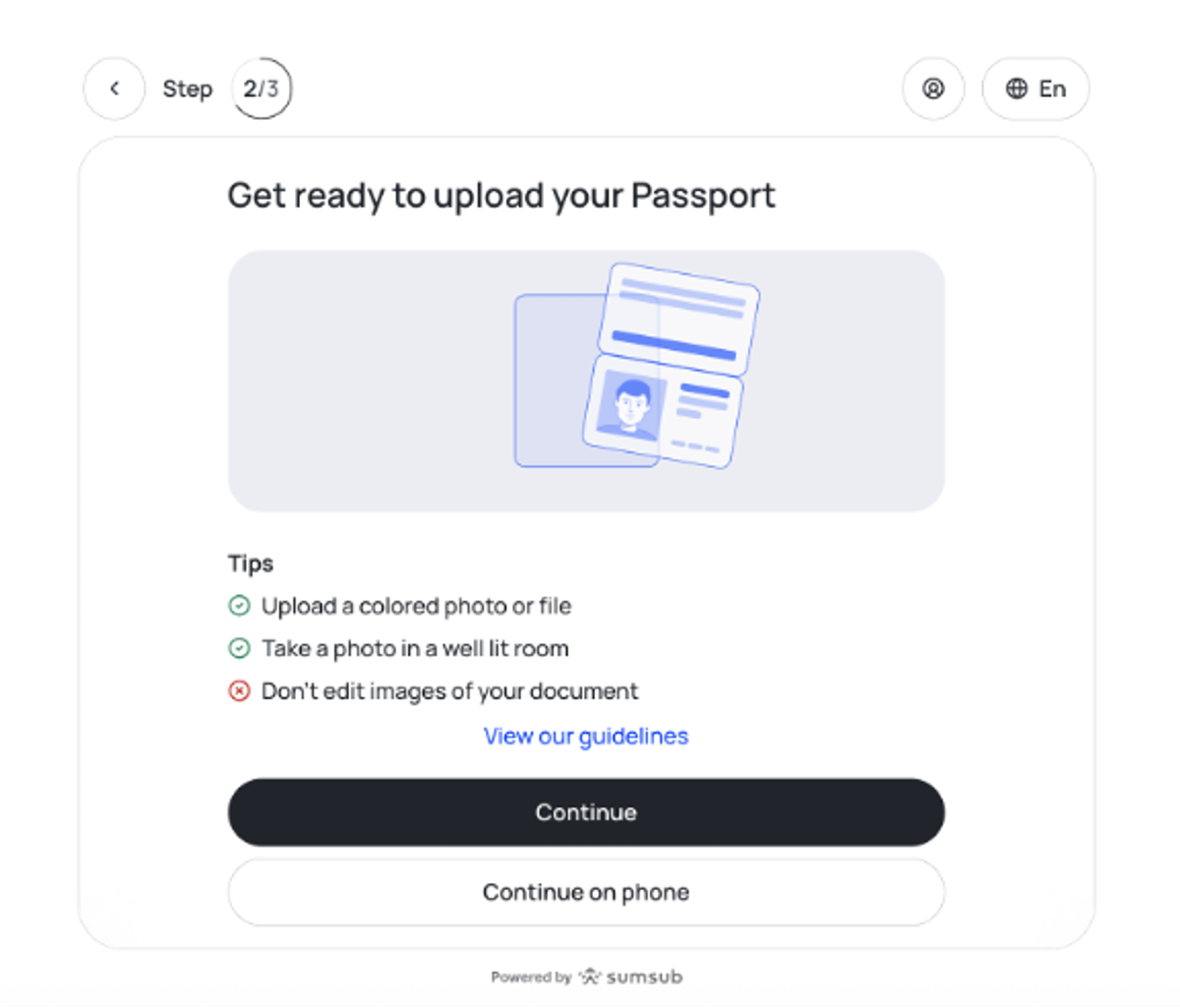
Check and confirm the information displayed from your document. If the initial photo was unsuccessful, retake it.
6. Liveness selfie
Position your head within the frame and turn your head to either side as per commands.
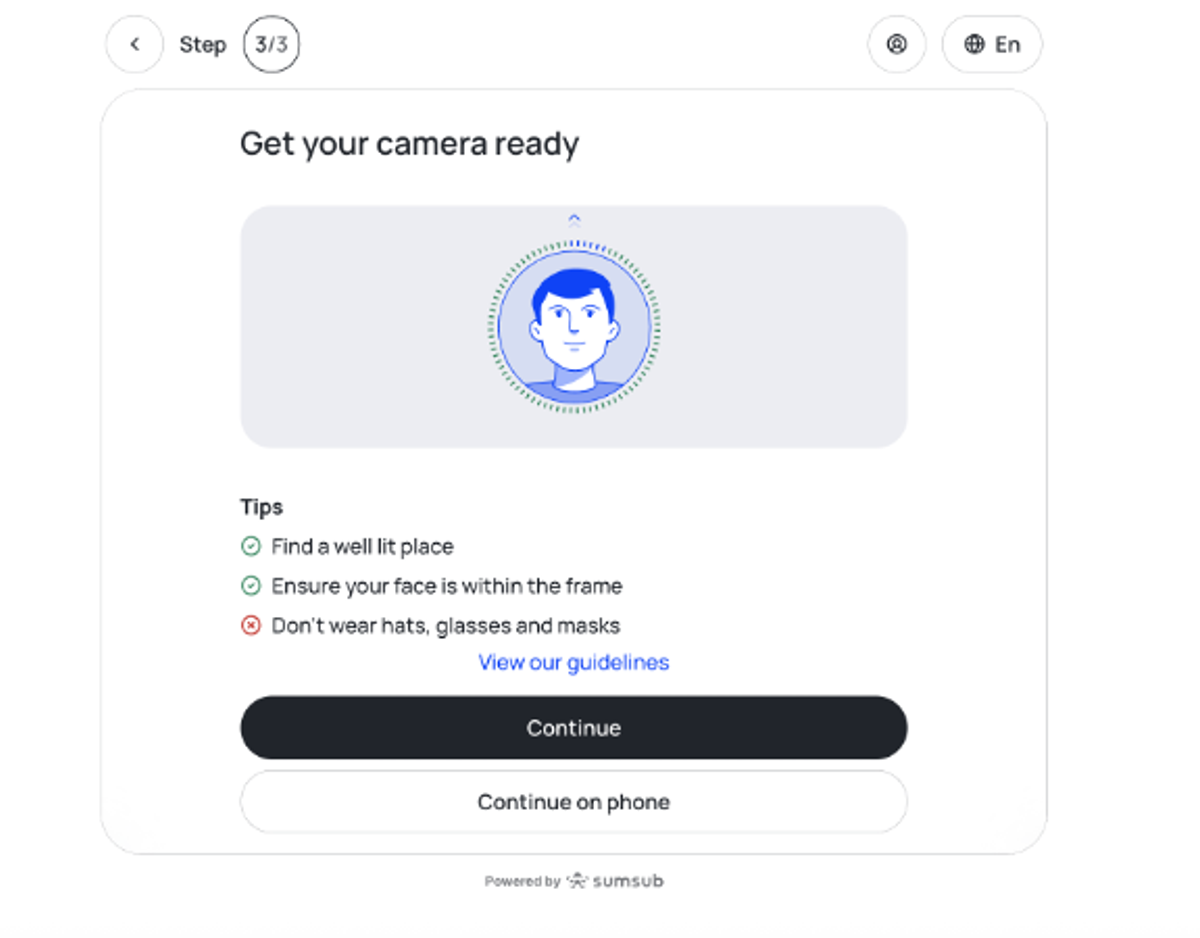
Press the “Continue” button to complete the process.
7. Verifying your answers
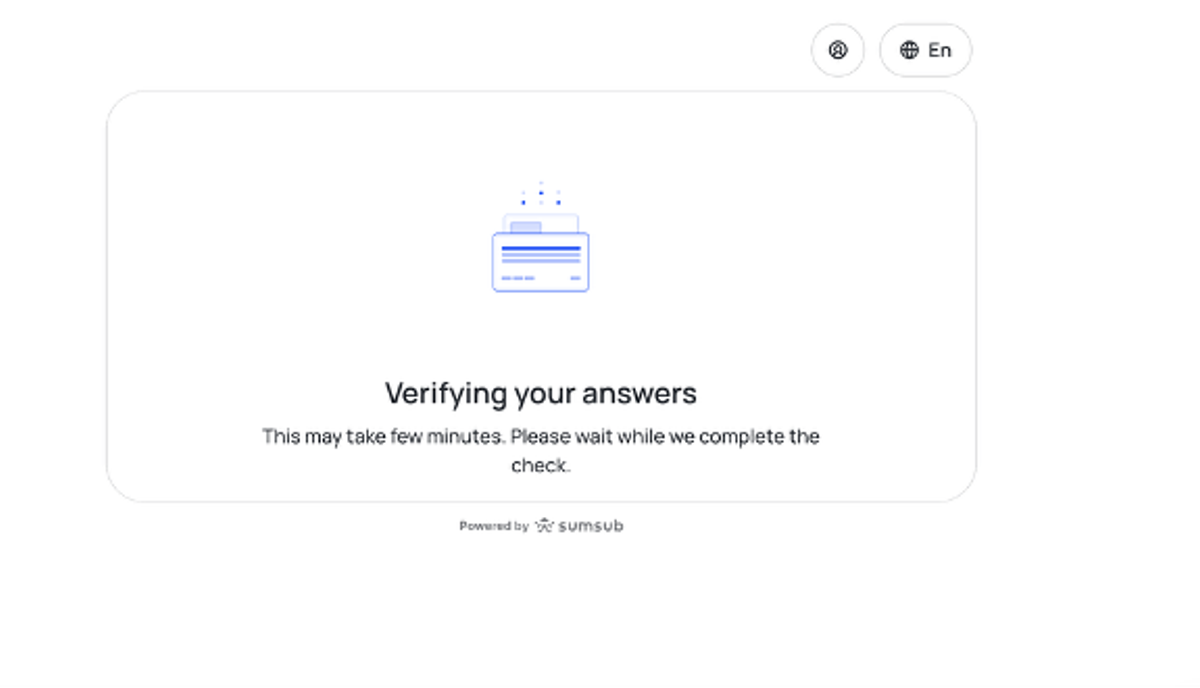
The system check will take from 10 to 60 minutes (in some cases the check might take more time). The status of your account will be automatically changed once the review is completed. You will get a notification on the platform and in your email about your KYC status change.
We made the onboarding process easy, convenient, and secure. If you have any questions or problems with this process, you are always welcome to contact our support team via chat at the platform.
After completion of the KYC procedures, you will be able to access your account, deposit funds and start using the platform for purchase of VNX digital assets.
Start your KYC procedure.